Why I Prefer the Gnome Desktop Environment
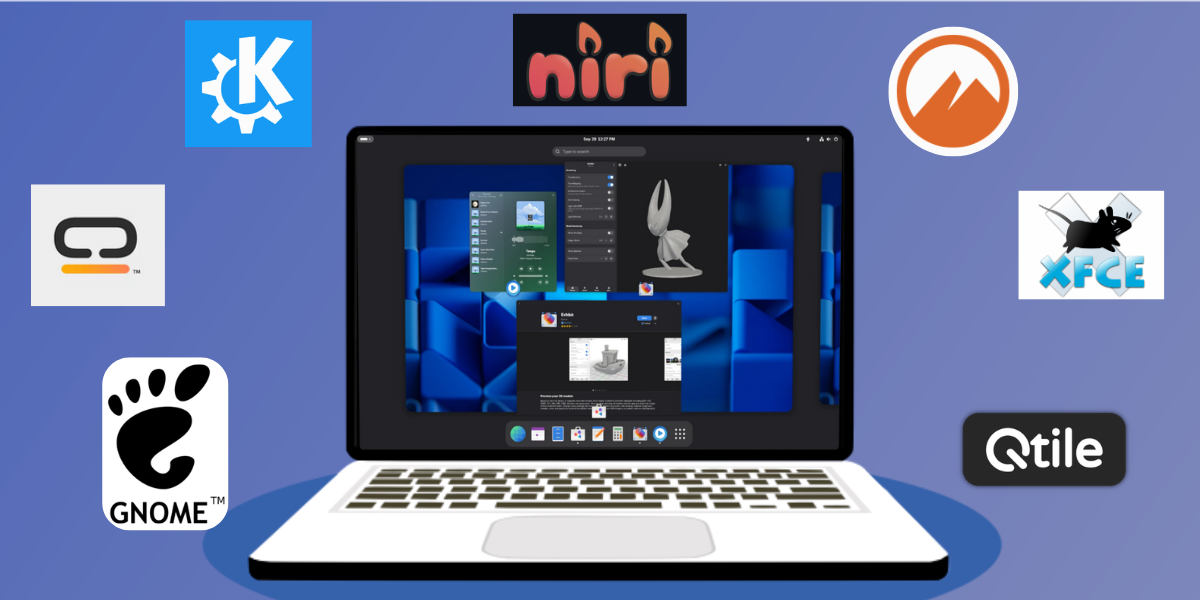
Find out why I prefer the Gnome desktop environment (at least for now) over other popular options like KDE Plasma, Cinnamon, XFCE, and Cosmic.
Intro
I'm about to write something controversial that you likely did not expect to see in this post. KDE Plasma is (arguably) technically superior to Gnome. It's true. KDE Plasma, especially versions 6 and newer, offer more granularity, more power-user features, and more performance flexibility. Despite being so feature rich, it remains lighter on the resources at idle than Gnome.
So why do I prefer Gnome over KDE in 2026?
Well, It's because Gnome is closer out-of-the-box to what I prefer, it's easier for me to customize it according to my tastes, and because I simply think it looks better. For me and my workflow, Gnome simply offers a better user experience.
Why I prefer Gnome: The Breakdown
To understand my preference for Gnome, it helps to provide context by talking about features that are important to me. I'll break them down below.
Window Management
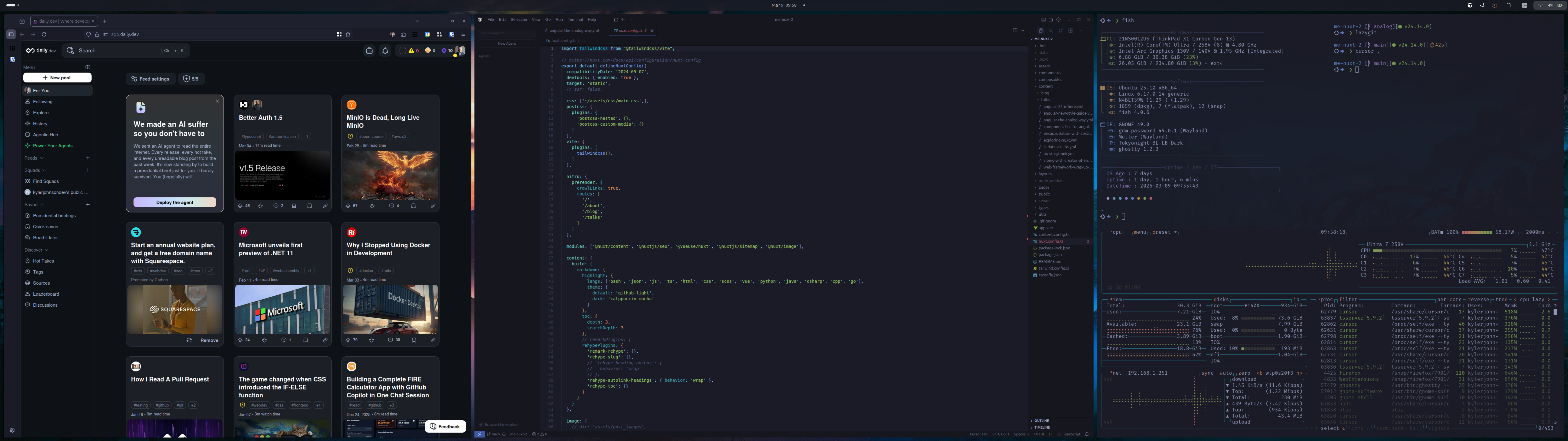
In my office, I hook my laptop up to a 49" ultrawide monitor. I absolutely love it, but effective window management is critical. For me, the most effective way to manage windows in this space is with a zone-based tiling assistant. In a nutshell, I need the ability to:
- Create custom zones
- Customize the gap between them
- Cycle through zone layouts with an easy keyboard shortcut
- Move the focused window from zone to zone with Super + arrow keys.
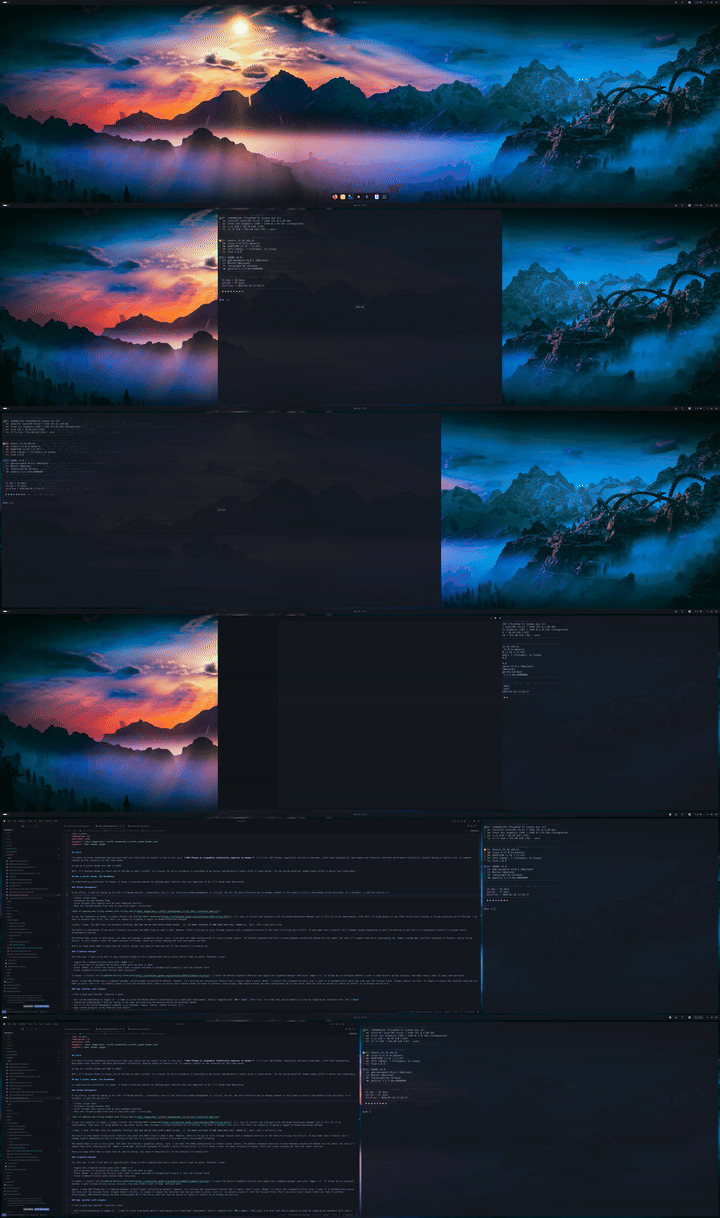
To get this behavior in Gnome, I simply install the Tiling Shell extension. It's easy to install and configure with the Gnome Extensions Manager and it fits all of my requirements. Side note: if using Ubuntu or any other distro that includes a tiling extension out-of-the-box, I do have to disable that first, but that's as simple as flipping a toggle in Gnome Extensions Manager.
I know, I know. The KDE folks are probably thinking but you can do this with a Kwin script or In newer versions of KDE they have this baked in. Well, that's partially true.
The built-in zone-based tiling assist features are great and VERY close to what I want. However, there is no way to cycle through layouts with a keyboard shortcut at the time of writing this article. It may seem like a nitpick, but I change layouts depending on what I'm working on and this is a convenience feature I've grown really accustomed to having.
The KZones KWin script is also great, but does not provide a graphical editor. Sure, I can edit the JSON configuration to create custom layouts. The default keyboard shortcuts to move Windows around with KZones are not ideal, but even if I update them after unassigning the Super + arrow key shortcuts assigned to Plasma's native tiling assist, it still doesn't work. On newer versions of Plasma, there are issues showing the zone and layout overlays.
There are many other KWin scripts that do similar things, but none of them have all of the features I'm looking for.
Clipboard Manager
For this one, I want to be able to copy multiple things to the clipboard and easily select which I want to paste. Features I want:
- Toggle the clipboard history menu with
Super + v - Use arrow keys to navigate the history items once the menu is open
- Press
Enterto select the history item I want to paste and have it automatically paste it into the focused field - Erase clipboard history when session ends (security)
In Gnome, I install the Clipboard History extension. I unset the default keyboard shortcut and toggle the clipboard manager menu with Super + v. It allows me to configure whether I want to keep history across sessions, how many items I want it keep, and much more.
Again, I know KDE Plasma has a clipboard manager called Klipper installed by default. However, it's missing one convenience feature that I requre: when I press Enter to select the clipboard history item, I want it to automatically paste the item into the focused field. Klipper doesn't do this. It simply re-copies the selected item and you have to press ctrl + v to actually paste it into the focused field. That's an extra step I would rather not have to perform. Surprisingly, KDE despite being the most configurable DE in the world, does not have an option to "paste on select" as of Plasma version 6.6.
App Launcher with plugins
I love a good app launcher. Features I want:
- Set custom keybinding to toggle it - I came to Linux from MacOS where I used Raycast as a Spotlight replacement, which I toggled with
CMD + space. That said, I've kept that muscle memory in Linux by toggling my launchers withAlt + Space - Launch any program/app I want by typing in the name and selecting the desired option by pressing
Enter - Use it to run system management commands (i.g shutdown, logout, reboot, reboot to bios, etc.)
- Open recent projects in my favorite text editor
- Set shortcuts (eg. type 'g', press space, and then type my google search query)
- A rich ecosystem of plugins
- Theme it so that it matches my desktop theme
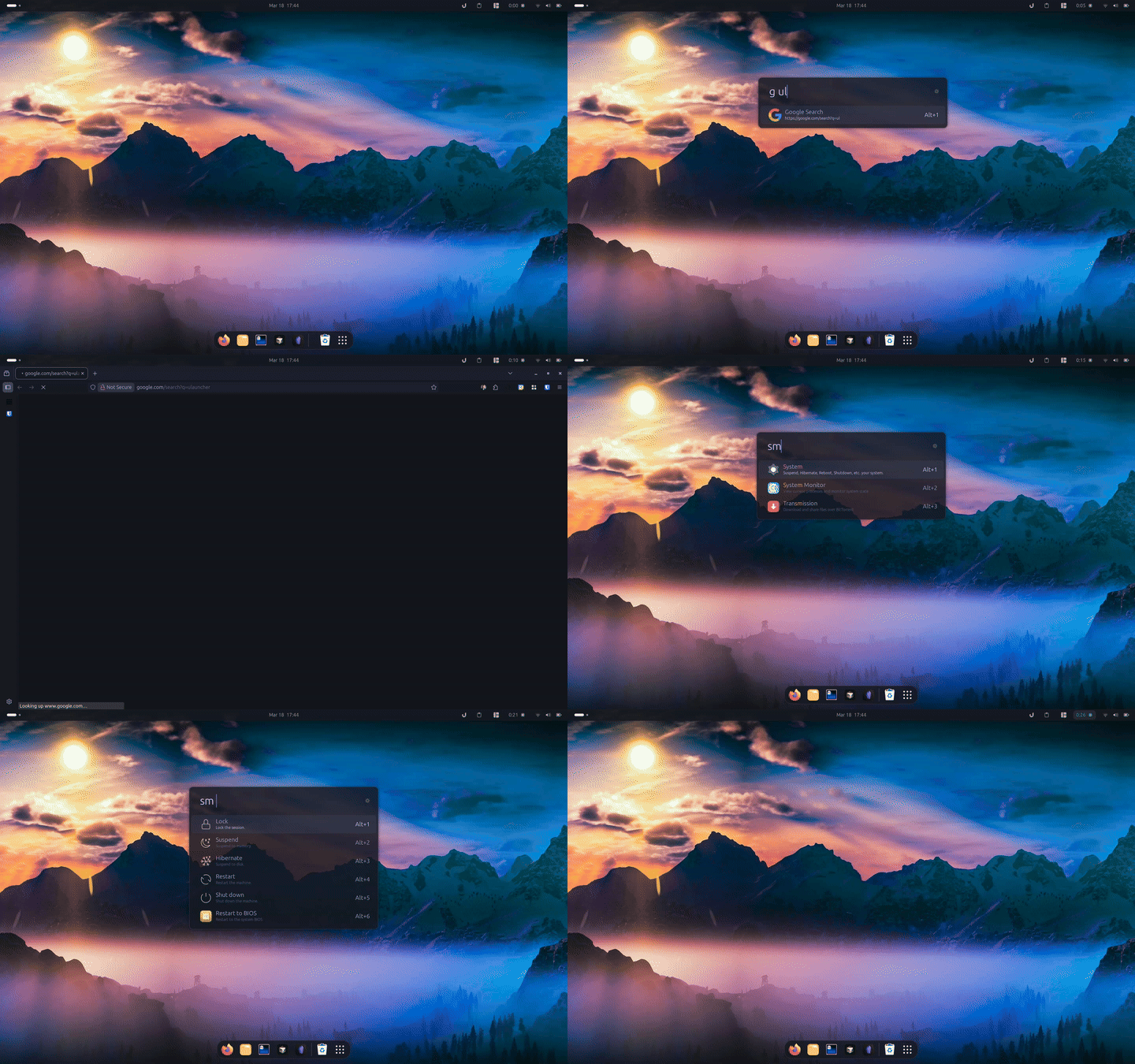
On Gnome, I install Ulauncher. To be fair, this can be installed in any desktop environment. But the point here is that I can use this one in Gnome and it's good enough that I don't miss KDE Plasma's KRunner. Besides, Ulauncher offers more flexibility in terms of theming.
That said, KRunner is awesome and is arguably the most powerful app launcher in the entire Linux ecosystem. Because it's deeply integrated into Plasma, it offers many features that Ulauncher simply doesn't. For example, it can take you directly to specific settings, switch between open windows, etc.
Minimalist, modern aesthetics
This is purely personal preference, but I prefer a more modern, minimalist style with rounded window corners, more spacing between GUI elements, Gnome's design philosophy is closer to my preferences in terms of look and feel. While it is much less customizable than KDE, there are plenty of GTK themes to choose from.
Of course, KDE Plasma is the most customizable DE in the Linux ecosystem. One can change pretty much anything they don't like about its appearance. While I can achieve the look I want in KDE Plasma (and I have done it) it takes a lot of work to do. Why put in the effort when Gnome is already so close to what I want?
The Extensions vs Baked-in Argument
I see this argument so often that I wanted to address it here. People say that Gnome lacks basic features that any desktop environment should include by default and instead relies on extensions to provide them.
So what's wrong with that? Well, Gnome extensions have to be updated for every Gnome release. This can be problematic if the Gnome update rolls out to users before the extension maintainers update their extension package (which usually involves simply adding the new gnome version number to the metadata.json file and doing some quick sanity tests against Gnome OS or Gnome Nightly builds).
Well, that's not the worst of it and what I am about to tell you is the main reason I say that KDE Plasma is technically superior to Gnome. Gnome extensions are not "plugins"; they are technically more like "live patches." While other software uses a stable API (a fixed set of "doors" through which external code can enter), GNOME allows extensions to use "monkey-patching". This means an extension doesn't just ask the system for a feature; it reaches into the running code of the desktop shell and swaps out a function or variable with its own. As you can imagine, this can make maintaining Gnome extensions difficult depending on what the extension is doing.
KDE Plasma can be extended with Plasmoids (Widgets), KWin scripts, KRunner plugins, Service Menus and more. These "extension" methods use formalized APIs and sandboxed frameworks, making them much more stable and less likely to break. So given the context this provides, it's easy to see why so many people are so critical of Gnome for relying on extensions for what they view as a core requirement for desktop environments.
Despite this, I still prefer Gnome. Why? I rely on precisely 4 Gnome extensions, they always have releases for the Gnome version before the update rolls out (though I always check before I update), and I've been using them for the past 11 versions of Gnome with no bugs for my use cases.
What about other Desktop Environments?
Tiling Window Managers
You might be asking, if window management is so important to you, why not use a tiling window manager?. That's a fair question. The answer is simple - I don't like them because they feel to limited and do not work well for my use cases. The traditional "master and stack" layout with the big "master area" taking up 50%-60% of the screen and the "stack area" taking up the remaining space doesn't work for me. On my super wide monitor, it results in really the windows in the stacked area being around ~2500px but only 720px tall which isn't super useful.
But what about on your laptop screen? That's another fair question and my answer is twofold. First, I often feel like the windows in the "stacked area" are too small to be very useful on my laptop screen. Second, when I want to tile on my laptop screen, I want to control the layout and I want the experience to be consistent with my workflow on my super ultrawide - just scaled down. For my use cases, and for most people concerned about window management, zone-based window tiles with custom layouts is a preferable experience.
Niri
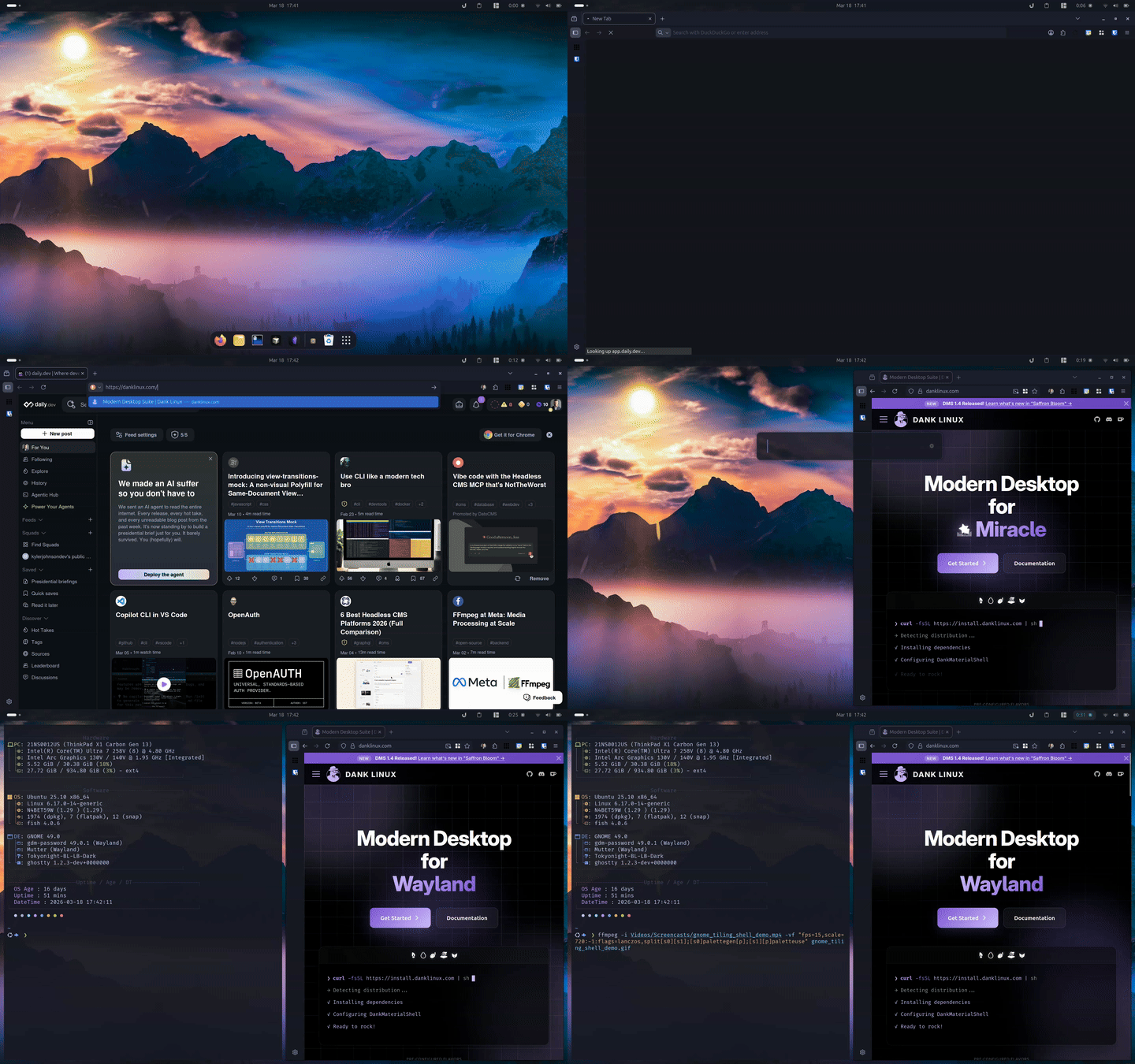
While Niri is a tiling window compositor for Wayland, it deserves a special mention here. Why? Because I think its take on window tiling is much, much more usable than the traditional "Master and Stack" approach. For those who aren't familiar with it, it tiles windows you open from left to right. If you open more windows than will fit on the screen, it scrolls horizontally. You can easily use Super + left/right to switch focus to other windows. You can rearrange the order, the size of the windows, make window full-width, and so much more from easy-to-use keyboard shortcuts.
Now, out of the box, Niri is pretty minimal - no application bar, no launcher, etc. To make Niri an even more attractive option, there are "desktops" or "shells" you can install to provide an experience closer to a traditional DE. My two favorites are Dank Material Shell and Noctalia. Now, these aren't "components" you have to install and configure individually like waybar and what not. These turn Niri into something pretty close to a full DE.
So why not use this over Gnome? Well, if I didn't have a super ultrawide monitor, I would probably have already switched to Niri full-time. On a normal single-window size monitor, whether external or built-in, Niri offers a great experience and together with one of these desktop shell options, the experience is great. But, for my ultrawide, I'm not sure that I prefer Niri's approach to my current zone-based tiling workflow. I don't always have tons of apps running. Sometimes I only have one and I want to be able to center it. It's doable using Niri, but it's just not as easy.
You might also wonder, why I don't just use Gnome when I am plugged into my ultrawide and Niri when I'm on the go and the answer to that would be consistency. I don't want to switch between systems with different behaviors.
Cosmic
Cosmic is amazing. It looks great, the pace of progress is insane, it offers the experience of a desktop but the speed you would typically see with a minimal tiling window manager. I think this is one of the most important endeavors happening in the Linux ecosystem right now and I'm following it closely.
So why don't I use it?
First, it's very new so there are some missing features right now. But that's to be expected. System76 is doing a fantastic job and I can't believe how fast they've shipped an entire DE. There is a lot more to what they've done than most people realize. Second, Window Management on Cosmic DE, while good, doesn't work the way I would like. I don't want to have to arrange and size the tiles. I want to have that predefined with a zone and I want to use keyboard shortcuts to move applications into a zone and have it snap to take up the full size of the zone.
XFCE
XFCE has been around for a long time and it's a solid choice. But it feels dated, it's more difficult to customize, and there just isn't as much community around it. That said. RhinoLinux chose this DE for it's Ubunut-based, rolling release distribution and they've managed to make it look pretty great.
While this distro would be an intriguing place to start with XFCE, I just haven't found anything for XFCE that provides the window management behavior that I want.
Cinnamon
Cinnamon started out as a fork of Gnome, but has since evolved into its own desktop environment. It's a good-looking, solid choice - especially for former Windows users who like that "Start Menu" and app bar at the bottom. For most users, what Cinnamon provides out-of-the-box is sufficient. For power users, though, I think it falls a little short.
There is no way to get the style of window management I want in Cinnamon. I could probably port my favorite Gnome extension, Tiling Shell, to Cinnamon but there's nothing else about Cinnamon that I just have to have. It's not worth the time and effort for me to do.
Cinnamon has an array of "plugins" it calls "spices". It has Themes, Applets, Desklets, Actions, and Extensions you can install. There are a lot of good things here and I've seen some truly beautiful and functional Cinnamon desktops, but it's difficult to find what you're looking for. For example, if you're looking on the website for a clipboard manager, the search doesn't work like you'd expect. Once you realize that it isn't going to filter the grid below and that you have to find what you're looking for in the suggestions that pop-up, you realize how limited the search feature is here. If I search "clipboard" to look for a clipboard manager, the only result I see is "clipboard eraser". Is there no clipboard manager? Well, yes, there is, but there's no good way to discover it from here. You have to google or read in forums that GPaste or Parcellite are the choices you're looking for.
While Cinnamon itself is great, I don't use it because the UX of the ecosystem could use a lot of improvement, and there just isn't anything there that satisfies my window management requirements.
Conclusion
In conclusion, Gnome is my favorite DE because I love the way it looks and feels and I can easily add and configure what I need to fit my requirements. I've tried to move to other desktop environments - really, truly gave it an honest effort - but I just keep coming back to Gnome because it's so easy to have everything I want exactly as I want it.
If you prefer something else, that's totally fine, too. The point of this article isn't to persuade you to use Gnome, but to explain why I do despite the fact that it is not the best DE from a technical design standpoint.
The beautiful thing about the Linux ecosystem is that we have so many choices and no matter who you are or what you're looking for, I'm confident you can find it. This is why I choose Linux.